Powerful and Easy to Use
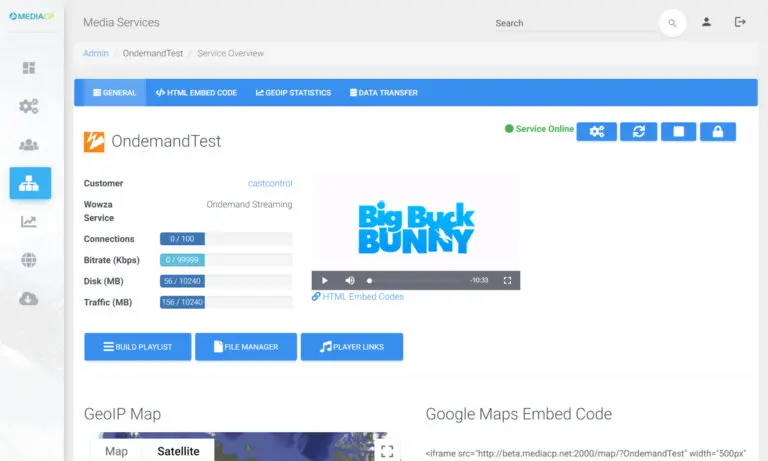
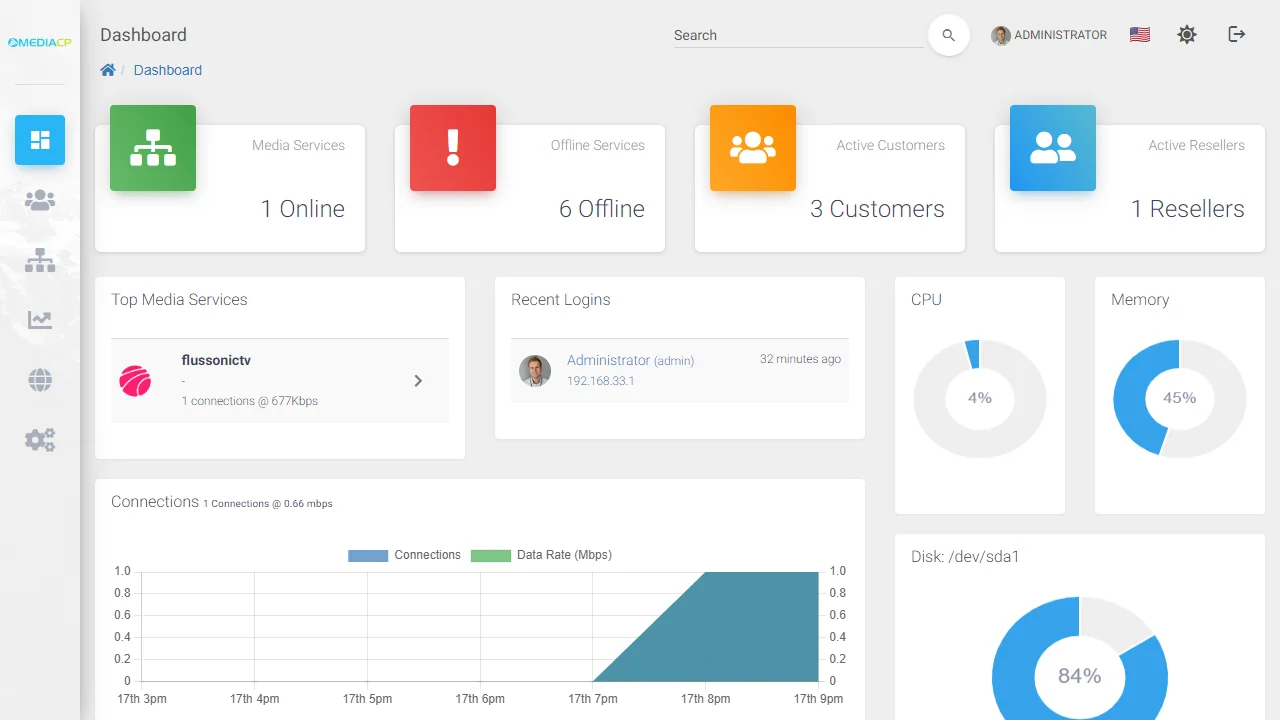
VDO Panel, your one-stop partner for streaming, offers an intuitive and powerful control panel. From pre-production queue automation and live broadcasts to the flexibility of hybrid streaming.
Enjoy 50% off your first month on our hosting, cloud and streaming plans.
Compare MediaCP plans for your video streaming project. Review storage, audience limits and the live or scheduled broadcasting functions available in the selected service.
Ask our team about the options available for your project.
Talk to an adviserThe #1 Video Streaming Control Panel

VDO Panel, your one-stop partner for streaming, offers an intuitive and powerful control panel. From pre-production queue automation and live broadcasts to the flexibility of hybrid streaming.
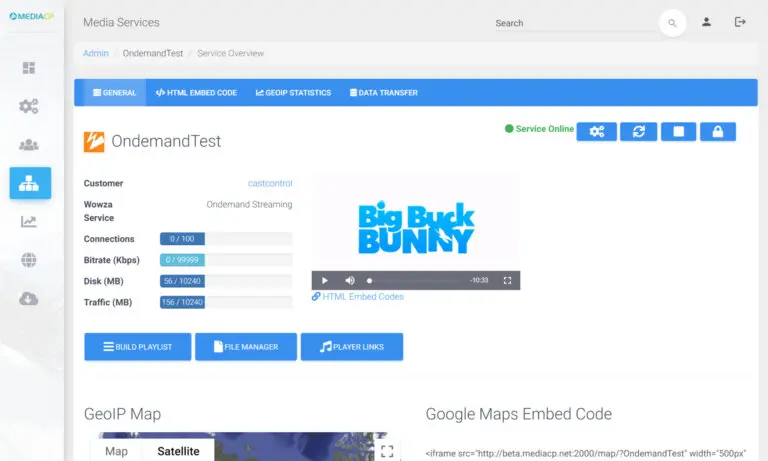
Allows your viewers to manually choose video quality, offering bitrate options from 144p to 1080p for a personalized streaming experience.
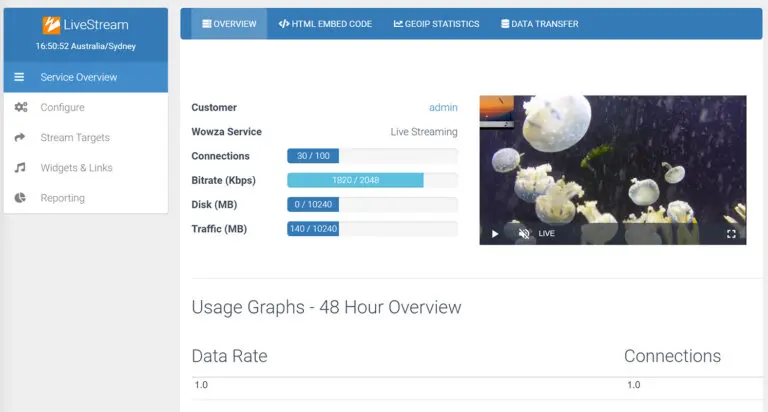
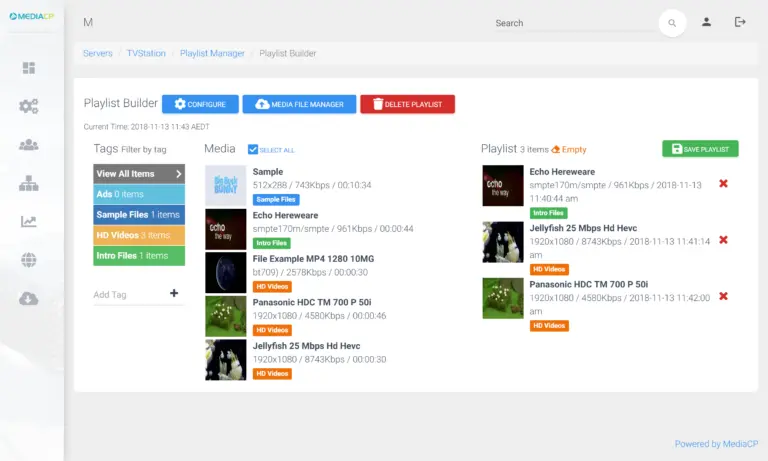
Optimize your media streaming with Live TV and WebTV Channel Automation. Easily create and schedule pre-production lists.


VDO Panel offers you a complete YouTube video downloader so you can easily add content to your playlist.
Elevate your experience with the ease and power of VDO Panel
VDO Panel, your one-stop streaming partner, offers an intuitive and powerful control panel. From playlist automation and live streaming to hybrid streaming flexibility, it simplifies and enhances your streaming experience.
Below is a 1080P demo featuring a popular channel in Guatemala with nearly 30,000 daily views and 30 years of history.
Boost your brand in your video streaming
Your Video Streaming Service includes a 100% White Label Streaming URL by default. If you have your own domain, you can use a custom URL, giving your customers the same option. This way, you can use your own subdomain, such as tv.yourcompany.com. Setting up a custom URL requires pointing a subdomain to our IP, and SSL security is included free of charge for your new Streaming URL.
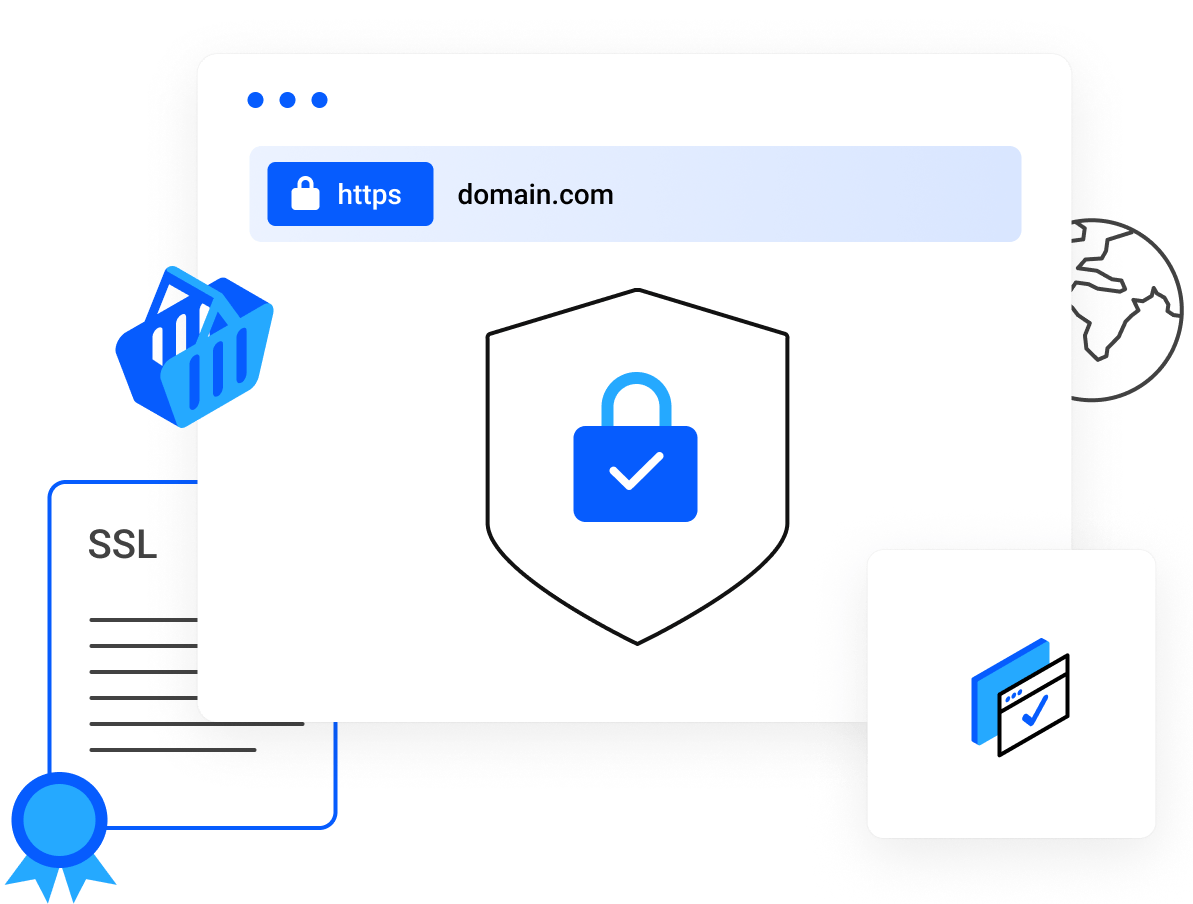
Simplified multi-channel broadcasting

Optimized video streaming
Discover the versatility of our Video Streaming
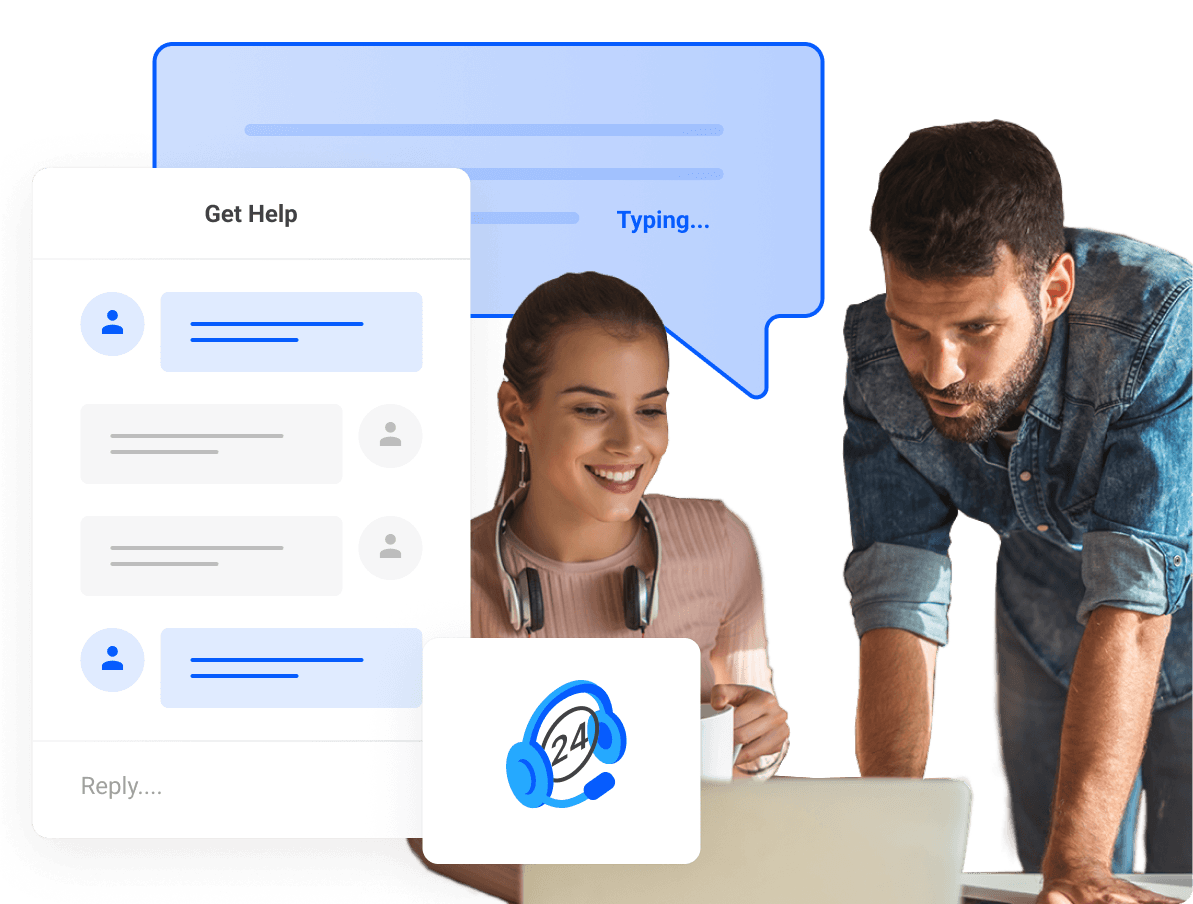
24/7 Technical Support
Describe the broadcast, content, and expected simultaneous audience. Compare each product's resources and features with that use; the panel's name does not by itself define a plan's scope.
Identify the format, quality, and software you will use to broadcast. Compare them with the product's options and run a representative test before announcing your feed.
Prepare the broadcasting program and connection details specified by the service. Check the feed from an external player and define who will handle its operation before starting.
Check the scheduling or AutoDJ features described in the product, along with its storage terms. Prepare the files and workflow you need without assuming features not listed in the details are included.
Organize the files and formats you will use and review the plan's storage terms. Keep your own inventory so you can prepare changes and recover the content you need.
Define control panel tasks, access and daily operations. Confirm the installation and support scope for the product and assign responsibility for changes to your broadcast.
Inventory the control panel, files, configuration and playback links. Agree on the scope of the move and test the new stream before changing the links your audience uses.
Check audio or video, access and controls on your audience's devices and connections. Review the player you will use and the available features before announcing the stream.
List the control panel, encoder and applications you will use. Compare their requirements with the tools and licenses covered by the product listing; review any additional component separately.
Check the product listing scope and the services your project needs. Distinguish stream distribution from the website, domain and player your audience will use.
Review the plan, currency, billing cycle and selected extras. Compare the promotional price with the published renewal terms before confirming.
Share the broadcast type, the control panel you want, your content and expected audience. Add the configuration or migration tasks you need so you can compare the scope of the options.