Free CDN
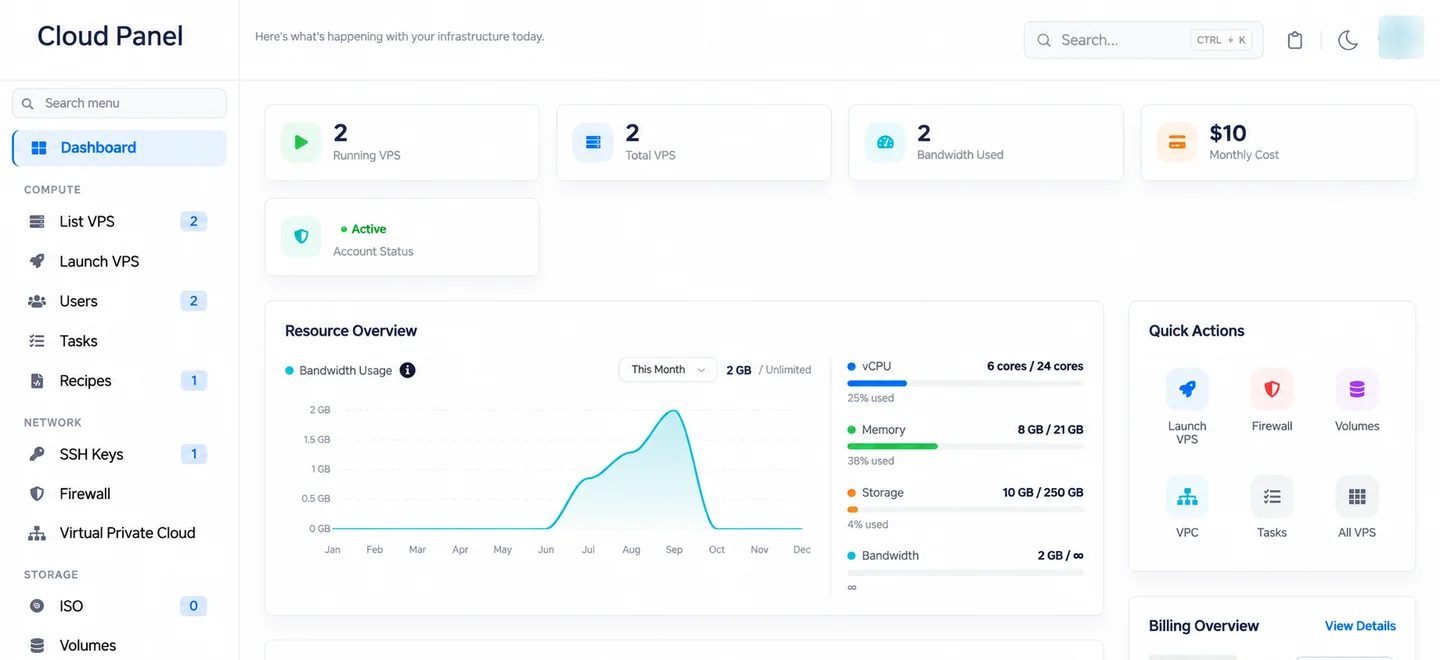
The No. 1, user-friendly control panel with a comprehensive suite of management tools.
Enjoy 50% off your first month on our hosting, cloud and streaming plans.
Compare VPS plans with storage for backups, archives and project files. Check capacity, transfer allowances and server resources for the configuration you need.
Ask our team about the options available for your project.
Talk to an adviserThe No. 1, user-friendly control panel with a comprehensive suite of management tools.
Enjoy live chat, phone and ticket support 24x7, manned by our technical experts!
The No. 1, user-friendly control panel with a comprehensive suite of management tools.
Test our servers and fall in love with us, or if you decide to leave - receive all your money back!
Compare storage VPS plans by the data you need to keep and the work your server will perform. Use the plan cards to compare capacity, memory and transfer allowances in the currency and billing period you choose.
| Resource | What to plan for your project |
|---|---|
| Storage capacity | Current files, retained versions and the space needed as your data grows. |
| Monthly transfer | Expected uploads, downloads and the transfer allowance shown for the plan. |
| CPU and memory | The services, file processing and other applications your server will run. |
| Backup and recovery | The copies, retention and restoration tasks you want to arrange for your data. |
| Billing period | The selected cycle, its total charge and any options added to your order. |
Choose the storage configuration that matches your workload and include any installation or administration tasks in your request.
Stay In Control
Discover a suite of robust and intelligent tools designed to optimize resource management, automate tasks, and accelerate application deployment. Experience streamlined operations, giving you more time to focus on what truly matters – growing your digital presence.
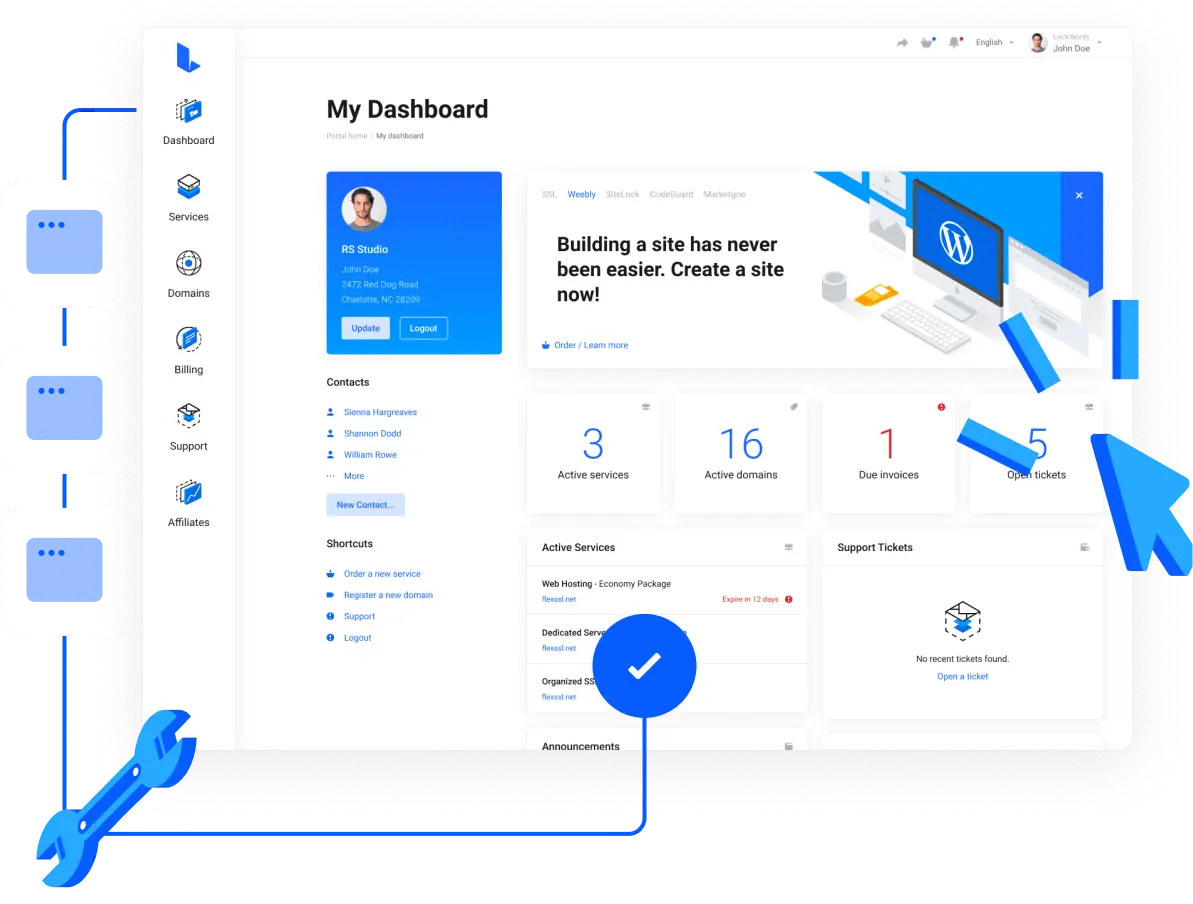
Control Panels, OS & Apps
You only pay for what you use, making it a budget-friendly choice for businesses seeking optimal performance without overspending.
Easily adjust resources to match your needs, ensuring your website or application can seamlessly handle traffic spikes and growth.
With distributed resources and advanced networking, you can swiftly launch and manage apps without disruptions, enhancing efficiency and user experience.
Effortlessly start, pause, or stop your cloud resources as needed. Seamlessly manage your online presence, enjoying flexibility and convenience with just a few clicks.
With dedicated computing and storage, experience unparalleled performance, reliability, and scalability for your online projects.
Our advanced defenses ensure uninterrupted performance, allowing you to focus on your goals without worrying about online threats.
Cloud Servers Features
Effortlessly adjust resources as needed, ensuring your Cloud Server adapts to changing demands, maintaining peak performance and uninterrupted user experiences.
Seamlessly manage and customize your Cloud Server environment through integrations and automated processes, ensuring effortless control and optimal performance.
Enjoy peace of mind knowing your Cloud Server content is securely backed up, ensuring quick recovery and data integrity in case of unexpected events.
Securely connect to your server via SSH or VNC Console, enabling you to manage and configure your Cloud Server environment with unparalleled flexibility and security.
Our network is fortified against common DDoS attacks by default, ensuring your Cloud Server remains resilient and available even in the face of online threats.
Enjoy fast, reliable data transfer and low-latency connections that ensure seamless interactions and optimal performance for your Cloud Server.
24/7 Technical Support

“Exceptional hosting services! Their robust infrastructure ensured my website's stability and lightning-fast loading times. Support was prompt and knowledgeable. A game-changer for my online business.“

”Victor Paz“Building my WordPress website was a breeze with their hosting services. The user-friendly setup and intuitive tools made the process seamless. I'm delighted with the hassle-free experience and impressive results.”

”Ana Barrera“I'm thoroughly impressed with their hosting services. The standout feature for me is their outstanding customer support – quick, friendly, and incredibly helpful. They've truly exceeded my expectations!"

”Carlos Mauricio“I'm thrilled with their hosting services. The performance of my website has been exceptional, thanks to their top-notch hardware. Blazing-fast speeds and reliability have made a huge difference for my online presence.”

”Daniel Orozco"I'm amazed by the speed of their servers! My website loads in an instant, providing an exceptional user experience. Their hosting services have significantly boosted my site's performance."

”William SalazarServers with SSD storage
Compare the capacity and disk type of each Storage VPS with your project's read and write requirements.
Prepare your Nextcloud or ownCloud requirements and the space your installation will use to choose resources and setup tasks.
Specify the panel and features you need and confirm the licenses and configuration alongside your chosen Storage VPS.
Check the locations on the product page and choose according to your users and project requirements.
Calculate backup volume, frequency and recovery needs. Compare capacity and monthly transfer to select your Storage VPS.
Define the access, storage and recovery tasks you need to establish the scope of service support.
Capacity is the space available for storing data. Transfer is the volume of data your service moves during the specified period.
SSD, RAM, and monthly transfer. S1 and S2 publish different capacities for each of these resources.
The volume of files, how often they are sent, and how they will be recovered. With these details, you can choose space and transfer.
Include expected growth and your project's working space. Organize the backups you will keep and their recovery separately, and compare the total with the storage plan's capacity.
Define the access and recovery method you will use and test a set of files before depending on the service. Check that you can access the information and recover what your project needs using the chosen process.