Free CDN
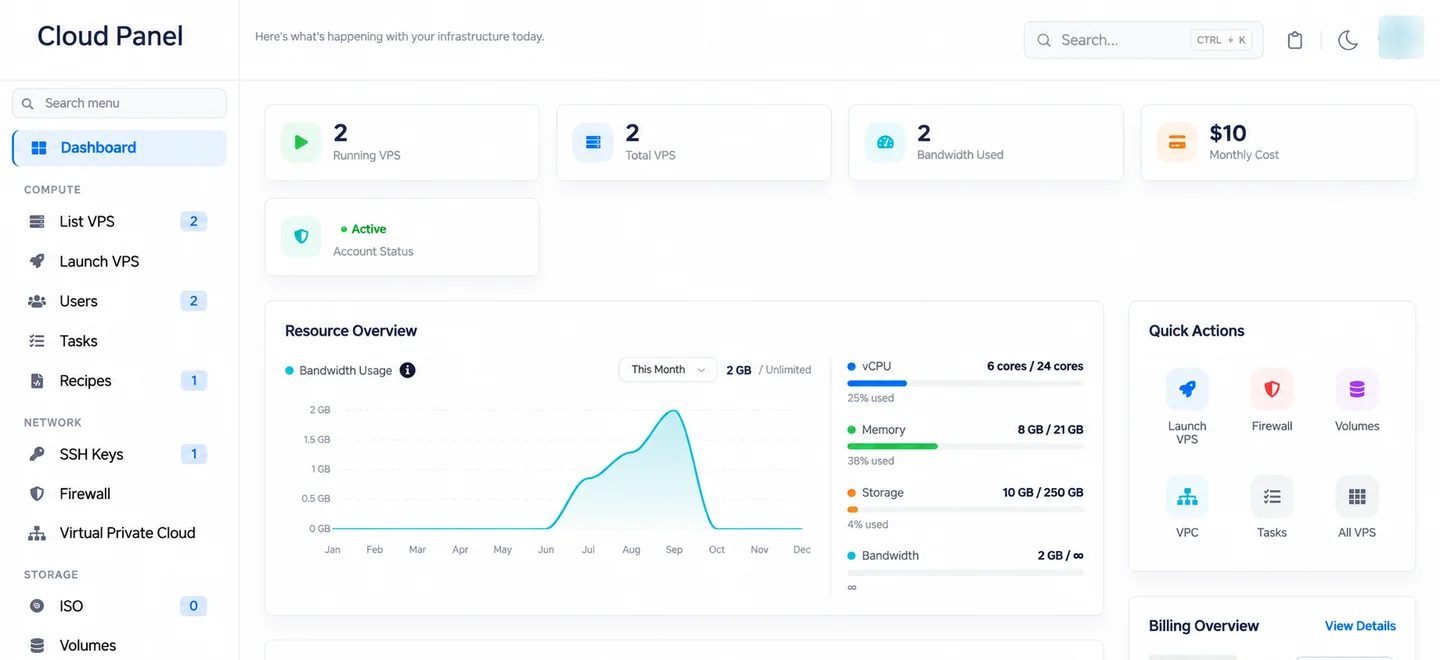
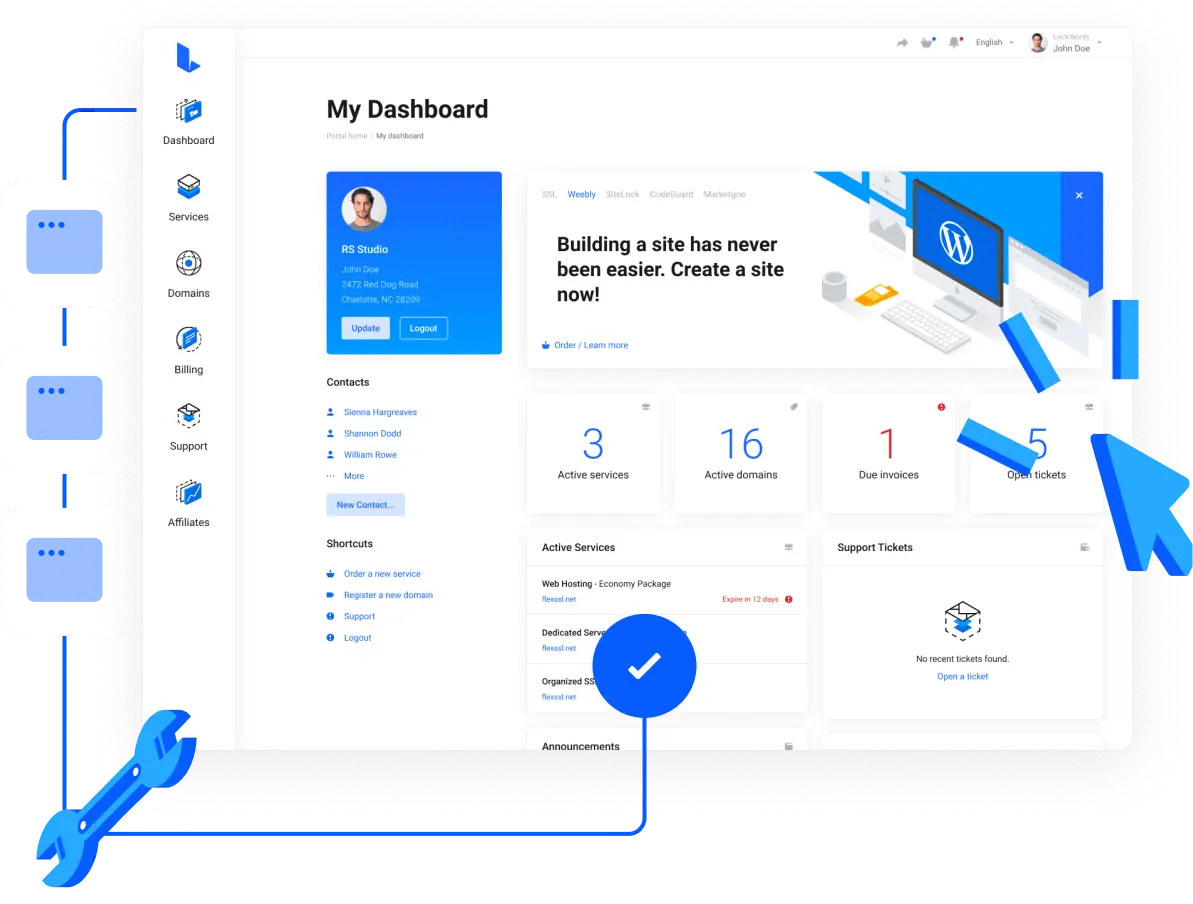
The number one easy-to-use control panel with a complete set of management tools.
Enjoy 50% off your first month on our hosting, cloud and streaming plans.
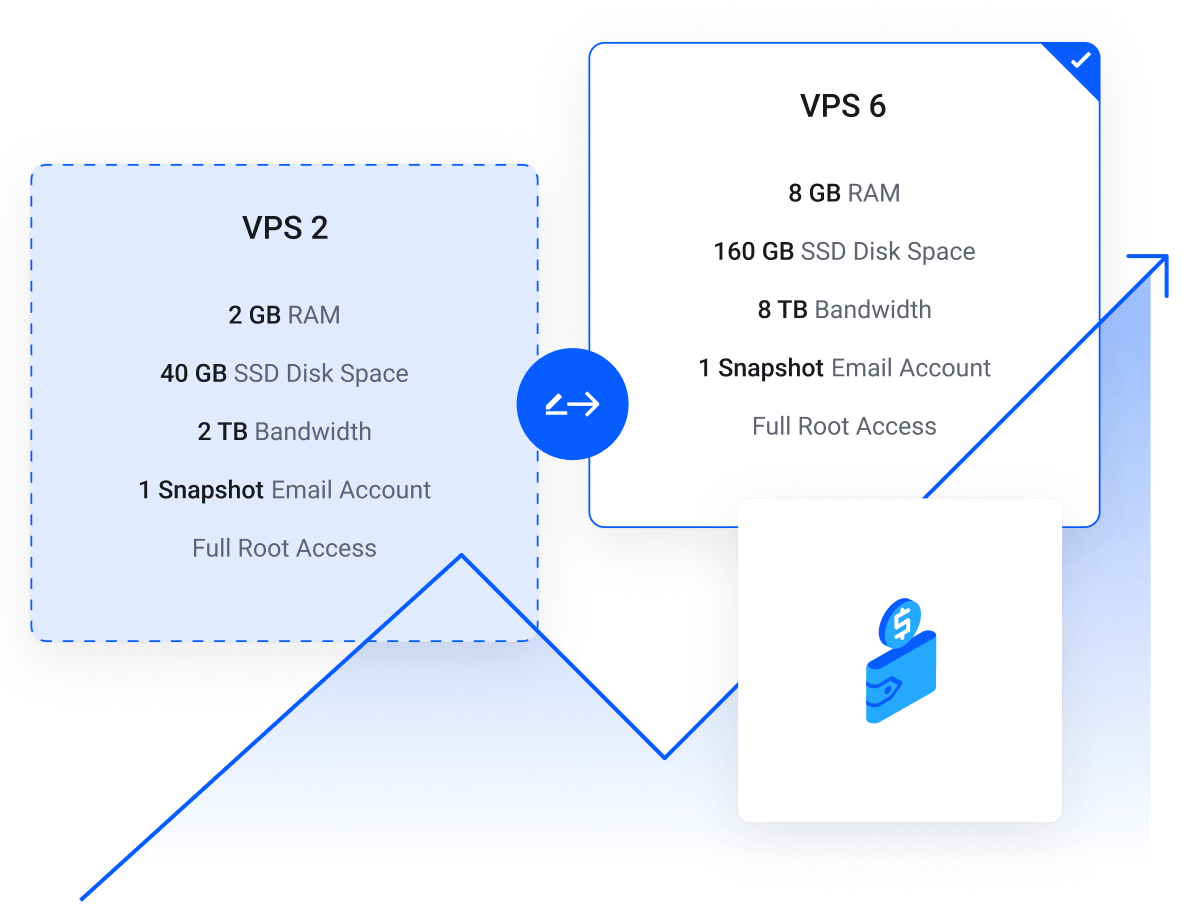
Compare VPS plans based on AMD Ryzen 9 7950X3D resources. Choose the CPU allocation, memory, storage and operating system options that fit your applications.
Ask our team about the options available for your project.
Talk to an adviserThe number one easy-to-use control panel with a complete set of management tools.
Keep your information secure with daily offsite backups, ensuring your server is protected.
Both hardware and network devices are designed to keep your system always available.
Keep your VPS running smoothly with our continuous monitoring service.
Control Panels, OS & Apps
The vCPU plans offer the best value for money. They are suitable for development and production environments with medium levels of traffic and network demand.
Our cloud solutions catalog includes a variety of options to meet all your cloud needs.
Use these shared instance plans for websites and applications with medium traffic levels and for production environments.
Keep your machines in control
Effortlessly start, pause, or stop your cloud resources as needed. Seamlessly manage your online presence, enjoying flexibility and convenience with just a few clicks.
With dedicated computing and storage, experience unparalleled performance, reliability, and scalability for your online projects.
You can use our snapshots to restore your server to a saved image, use saved images to create new cloud servers, or transfer images during a project.
Unique features
It gives you the ability to take full control of your server as an administrator, giving you access and privileges to modify whatever you want.
The latest in speed technology: LiteSpeed, LSCache, MariaDB, HTTP/2, PHP8, and a free CDN to improve website speed.
You're in excellent hands, with our own premium dedicated virtual servers.
Securely connect to your server via SSH or VNC Console, allowing you to manage and configure your cloud server environment with unparalleled flexibility and security.
We provide top-notch protection against large-scale DDoS attacks.
With at least 20TB of traffic included, you'll have plenty of bandwidth for your projects, regardless of usage.

Experience rock-solid security with our DDoS mitigation. Protect your cloud server from the most intense DDoS attacks, ensuring uninterrupted performance and data integrity.
Migration included
24/7 Technical Support

“Exceptional hosting services! Their robust infrastructure ensured my website's stability and lightning-fast loading times. Support was prompt and knowledgeable. A game-changer for my online business.“

”Victor Paz“Building my WordPress website was a breeze with their hosting services. The user-friendly setup and intuitive tools made the process seamless. I'm delighted with the hassle-free experience and impressive results.”

”Ana Barrera“I'm thoroughly impressed with their hosting services. The standout feature for me is their outstanding customer support – quick, friendly, and incredibly helpful. They've truly exceeded my expectations!"

”Carlos Mauricio“I'm thrilled with their hosting services. The performance of my website has been exceptional, thanks to their top-notch hardware. Blazing-fast speeds and reliability have made a huge difference for my online presence.”

”Daniel Orozco"I'm amazed by the speed of their servers! My website loads in an instant, providing an exceptional user experience. Their hosting services have significantly boosted my site's performance."

”William SalazarCompare the vCores, RAM and NVMe storage published for each VPS in this family. The combination of resources should match what your application will run.
Start with the usage of the system and the programs active simultaneously. Compare configuration memory with your application's normal usage and its busiest periods.
Count programs, files, databases and expected growth. Also consider working space and the backups you decide to maintain before choosing storage.
Collect your programs and system requirements and prepare a representative test. Evaluate the tasks you will actually run rather than assuming a result based on the processor model.
Prepare your applications' system and version requirements. Compare them with the options available for the product and confirm the selected configuration before planning installation.
Define who will handle updates, access, applications and recovery. Review the support scope for the product and distinguish the resources you purchase from the operational tasks you need.
Review the backup and recovery method provided by the product or that you will arrange yourself. Confirm its scope and test the recovery your project needs; do not assume every option offers the same service.
Inventory the files, databases, applications, email and DNS involved in the move. Prepare a backup and define the tests and responsibilities before changing the environment your users rely on.
Check the locations available for the selected product. Consider the connections from which your application will be used and prepare a representative test before deciding based on distance or a location's name.
List the operating system, control panel and applications you will use. Check which tools and licenses the selected configuration includes and which require a separate purchase or setup.
Review the configuration, currency, billing cycle and order extras. Compare the promotional price with the published renewal terms before confirming your purchase.
Share the applications, versions, resource usage, expected storage and administration tasks you need. This information helps compare configurations and define the product scope without choosing solely by its introductory price.