Full access
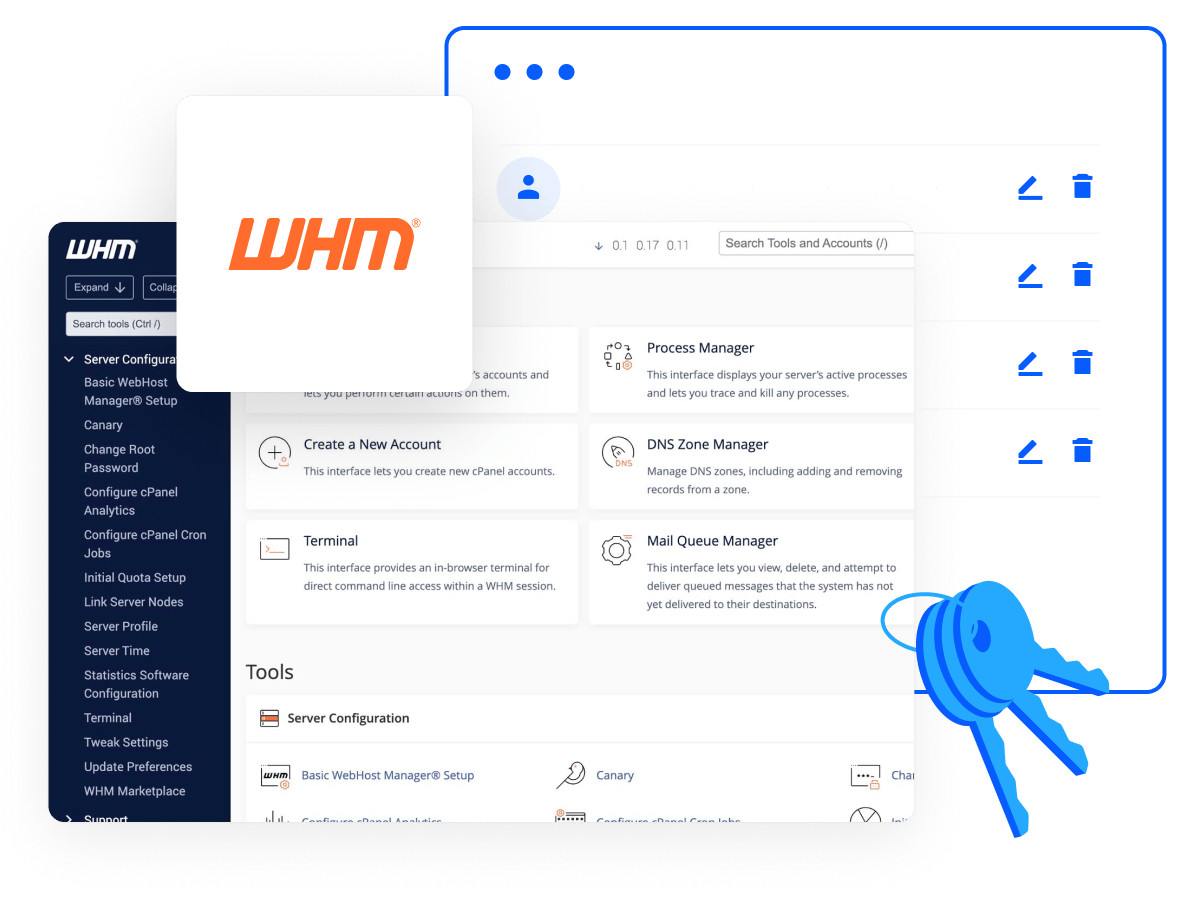
It gives you the ability to take full control of your server as an administrator, giving you access and privileges to modify whatever you want.
Enjoy 50% off your first month on our hosting, cloud and streaming plans.
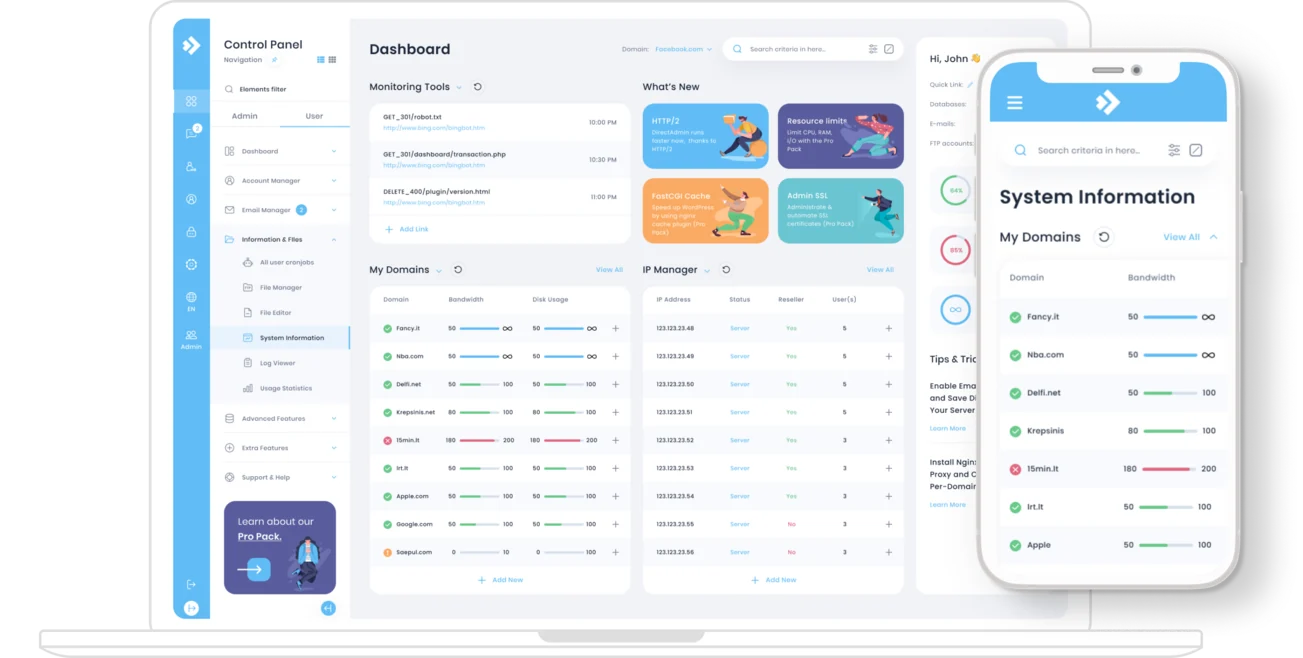
Manage hosting through DirectAdmin while keeping the access needed for your server applications. Compare VPS resources and confirm panel licensing and management scope for your plan.
Ask our team about the options available for your project.
Talk to an adviserBetter than a traditional VPS Server
List the installation, account and maintenance tasks you need to choose the support scope of your configuration.
VPS Hosting Features
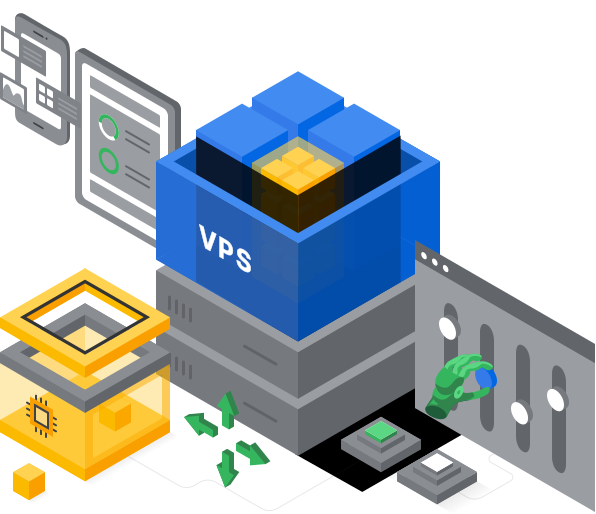
It gives you the ability to take full control of your server as an administrator, giving you access and privileges to modify whatever you want.
The latest in speed technology: LiteSpeed, LSCache, MariaDB, HTTP/2, PHP8, and a free CDN to improve website speed.
You're in excellent hands, with our own premium dedicated virtual servers.
The firewall protects servers with a digital barrier, filtering incoming data for threats, ensuring robust security and smooth operations.
DDoS protection protects servers by thwarting massive influxes of malicious traffic, ensuring uninterrupted online services.
SSL encryption strengthens servers with a secure layer, encrypting data transmissions to protect sensitive information from prying eyes.
Manage and protect your VPS with ease and efficiency
Prepare the applications, versions and tools your sites use. Compare the features and licences listed for the selected DirectAdmin plan.
Powerful performance with exclusive features
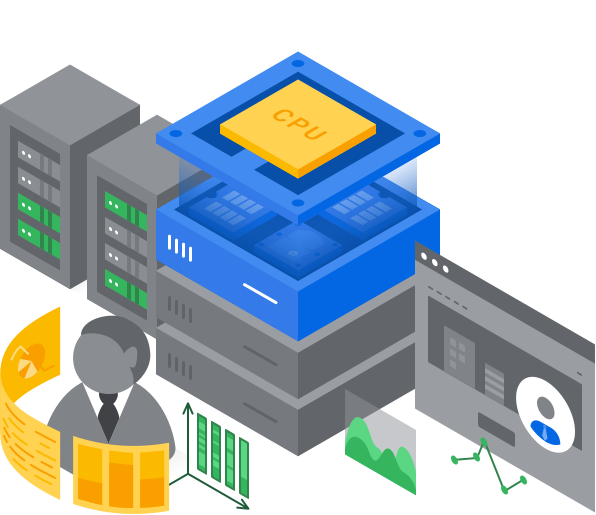
Organise your sites and account requirements, then compare the resources and tools of the DirectAdmin configuration you need.
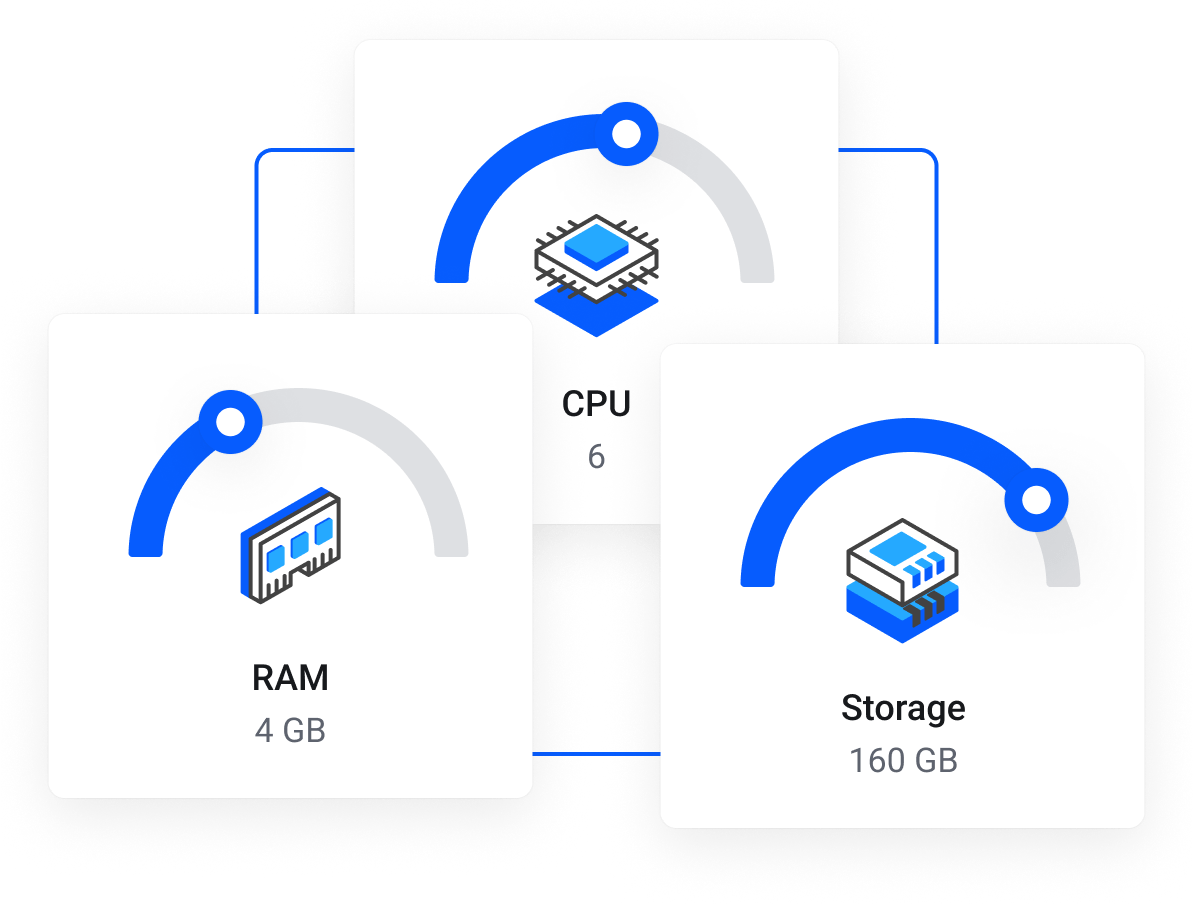
Easy to set up and manage
Prepare the applications, versions and tools your sites use. Compare the features and licences listed for the selected DirectAdmin plan.
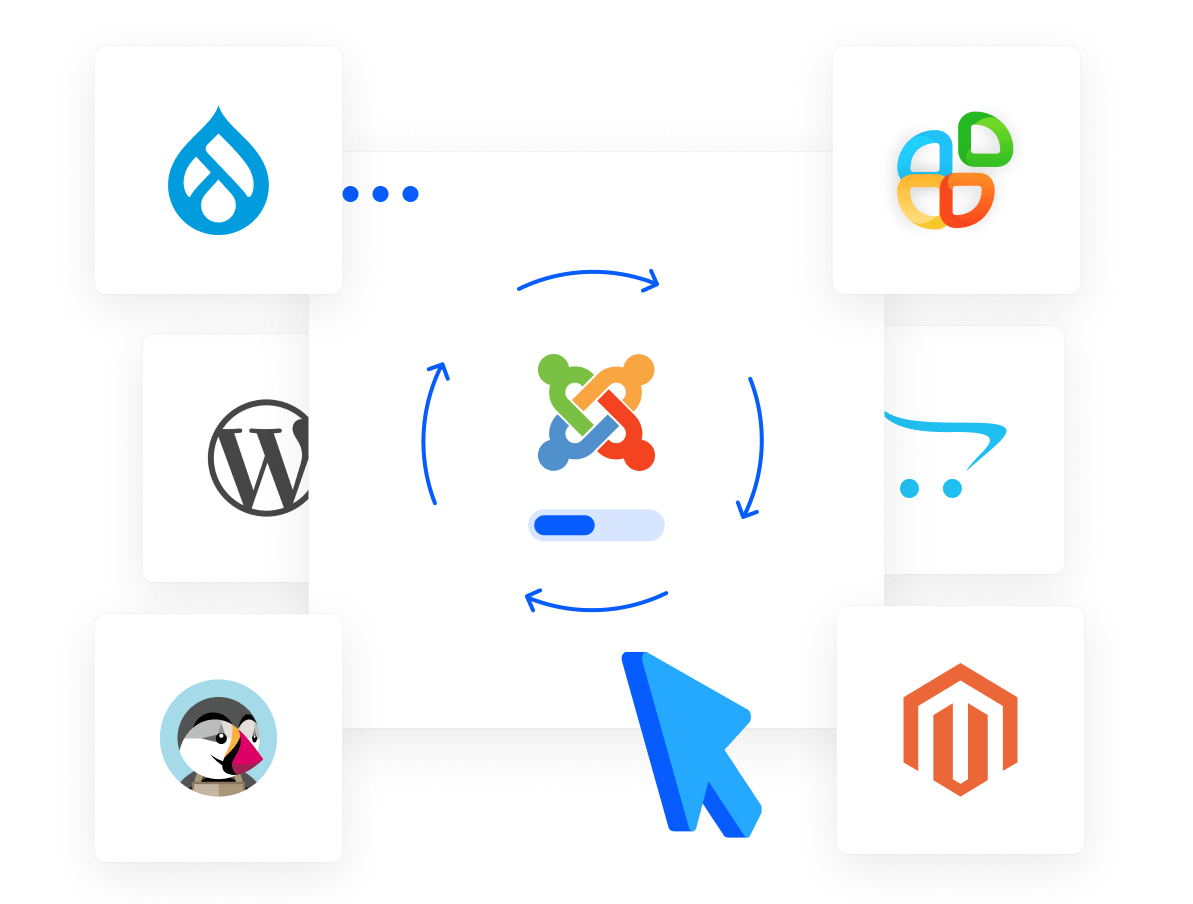
Perfect Scalability
Organise your sites and account requirements, then compare the resources and tools of the DirectAdmin configuration you need.
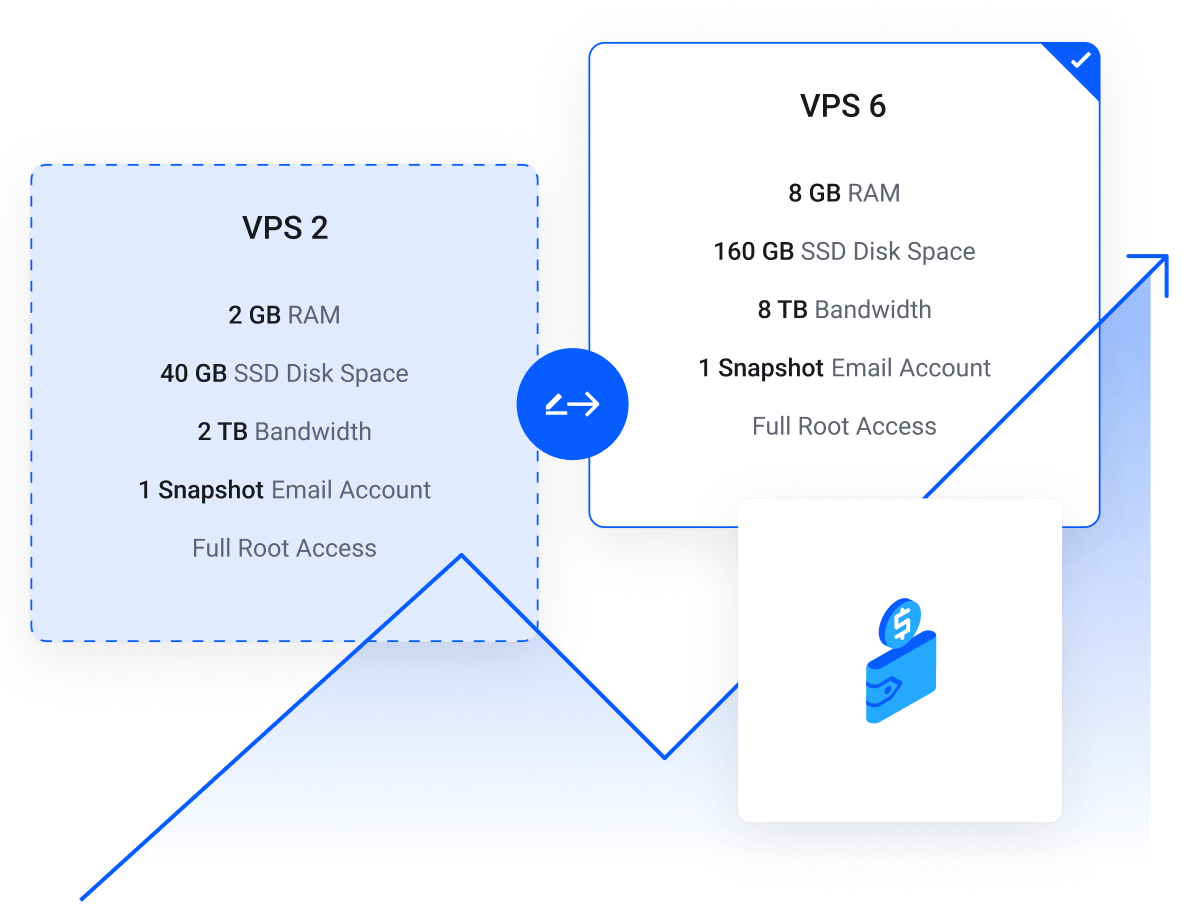

Use cases
Boost your online store's performance and SEO by leveraging a virtual private server (VPS), especially if you have experience with root servers. A cost-effective solution to ensure seamless visitor experiences.
Power your educational website with VPS hosting. From hosting online courses to securely managing student data, ensure seamless user experiences and optimal performance for your students' educational journey.
Organise your sites and account requirements, then compare the resources and tools of the DirectAdmin configuration you need.
Effortlessly test new web applications with VPS hosting. Create a dedicated environment to experiment, debug, and refine your applications before deploying them to ensure smooth functionality and optimal user experiences.
Experience fast loading times, seamless content management, and robust security. Whether it's a blog, a business site, or an online store, our VPS optimizes your WordPress experience for exceptional performance.
Free Migration
Review the processor, memory and storage in each product listing. Add the websites and applications you will manage to choose based on project resources and tools.
The control panel organizes hosting tasks; root access expands the options for managing the system. Define who will perform each task and what support scope you need.
Compare the product listing with the features you will use and the websites you will manage. Review control panel tools, their licenses and server resources separately.
Collect applications, versions, files, databases and email. This inventory helps define the DirectAdmin configuration and the tasks required for the move.
Prepare your applications' system and version requirements. Compare them with the options available for the product and confirm the selected configuration before planning installation.
Define who will handle updates, access, applications and recovery. Review the support scope for the product and distinguish the resources you purchase from the operational tasks you need.
Review the backup and recovery method provided by the product or that you will arrange yourself. Confirm its scope and test the recovery your project needs; do not assume every option offers the same service.
Inventory the files, databases, applications, email and DNS involved in the move. Prepare a backup and define the tests and responsibilities before changing the environment your users rely on.
Check the locations available for the selected product. Consider the connections from which your application will be used and prepare a representative test before deciding based on distance or a location's name.
List the operating system, control panel and applications you will use. Check which tools and licenses the selected configuration includes and which require a separate purchase or setup.
Review the configuration, currency, billing cycle and order extras. Compare the promotional price with the published renewal terms before confirming your purchase.
Share the applications, versions, resource usage, expected storage and administration tasks you need. This information helps compare configurations and define the product scope without choosing solely by its introductory price.